
Skip to content
Andwin Circuits
  • Home
  • ProductsExpand
    • HDI multilayer PCB
    • Rigid Flex PCB
    • Flex pcb
    • Special PCBExpand
      • High Frequency PCBExpand
        • Rogers RO4350B PCB
        • Rogers RO4003 pcb
        • Rogers RO3003 PCB
        • Rogers 5880 PCB
        • DICLAD 527 PCB
        • Taconic TLX series
        • Taconic TLX-8 RF PCB
        • Taconic TLX-9 RF PCB
      • High speed pcbExpand
        • Megtron 6 High Speed PCB
        • TU-872 SLK Sp High Speed
      • High TG PCBExpand
        • SHENGYI SH260 PCB
        • ISOLA 370HR PCB
        • ISOLA IS410 PCB
        • ISOLA IS420 PCB
      • Heavy copper PCB
      • Copper coin pcb
      • Copper inlay PCB
    • Metal Core PCBExpand
      • Copper core pcb
      • Aluminum PCB
      • 2 Layers Aluminum PCB
      • Direct thermal MCPCB
      • 2 Layers Direct Thermal
    • Ceramic PCBExpand
      • DPC ceramic PCB
      • DBC ceramic PCB
      • Thick film Ceramic PCB
      • Al2O3 Alumina PCB
      • AIN ALN ceramic PCB
      • IGBT Ceramic PCB
  • ServiceExpand
    • PCB Assembly
    • Quick turn PCB assembly
    • PCBA conformal coating
  • IndustryExpand
    • Telecommunication
    • IoT and Wireless
    • Industrial Control
    • Thermal management
    • Power and Energy
    • IC test board
    • Automative
    • Medical
  • CapabilityExpand
    • Rigid PCB
    • Rigid flex PCB
    • Metal core PCB
    • PCB Assembly
  • TechnologyExpand
    • Blogs
    • Via in pad
    • PCB E-test
    • PCB stack up
    • MCPCB panelization
    • Controlled impedance PCB
  • AboutExpand
    • About us
    • Certification
    • Factory Tour
  • Contact
Andwin Circuits
Home / Blogs / PCB copy board method and steps

PCB copy board method and steps

ByAlice May 11, 2023June 20, 2024

The first step is to get a PCB. First, record the model, parameters, and position of all the components on the paper,
especially the direction of the diode, the three tubes, and the direction of the IC notch.

It is best to take a photo of two positions at the digital camera with a digital camera.

In the second step, all devices are removed and the tin in the PAD hole is removed.

Clean the PCB with alcohol and put it into the scanner.

When scanning the scanner, you need to raise some scanned pixels slightly to get a clearer image.
Start PHOTOSHOP, scan the silk screen in color, and save the file. And print it out for later use.
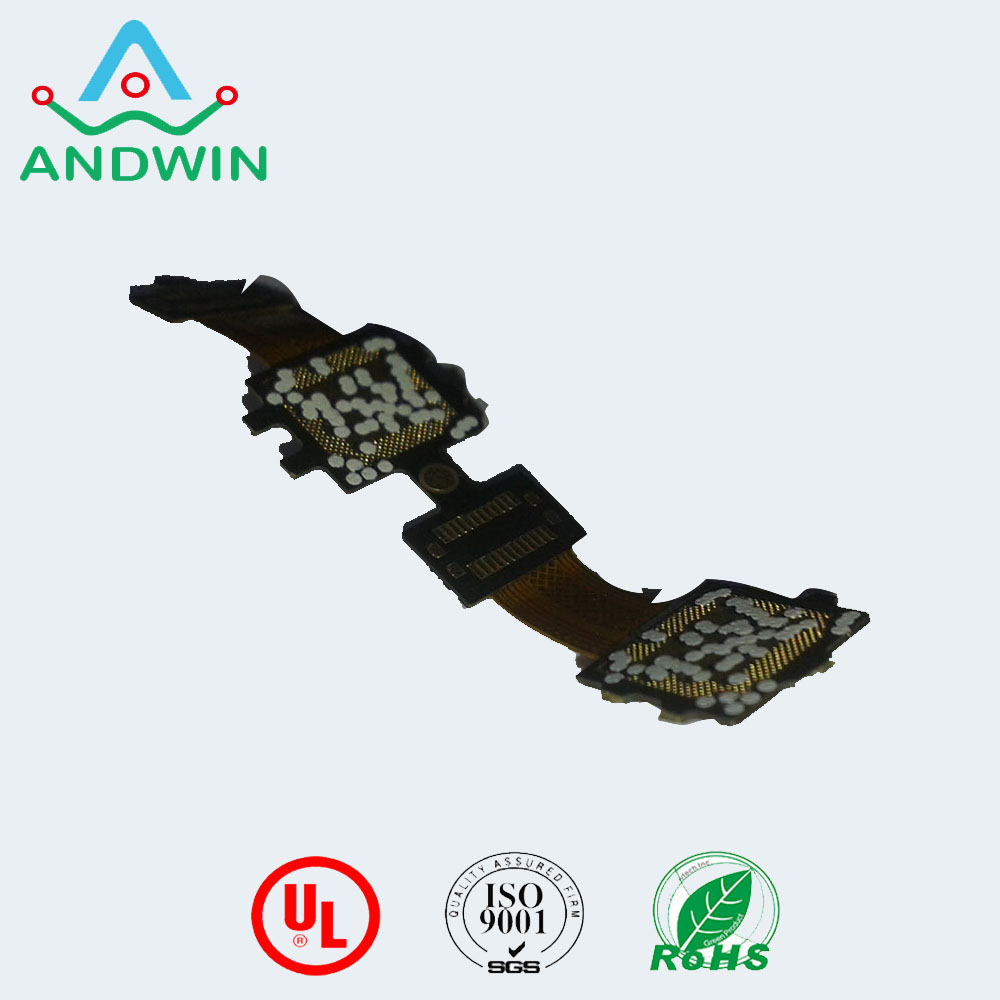
In the third step, the TOP LAYER and BOTTOM LAYER layers are slightly polished with water-dyed paper,
polished to a copper film, placed in a scanner, and the PHOTOSHOP is activated, and the two layers are separately scanned in color.

Note that the PCB must be placed horizontally in the scanner, otherwise the scanned image will not be used and the file will be saved.
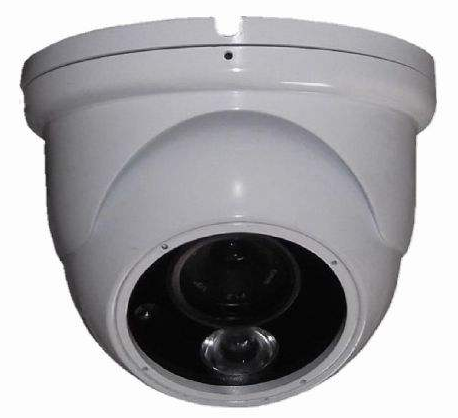
The fourth step is to adjust the contrast and brightness of the canvas so that the portion with the copper film and the portion without the copper film are strongly contrasted, then turn the secondary image to black and white to check whether the line is clear.

If it is not clear, repeat this step. If it is clear, save the image as black and white BMP format files TOP.BMP and BOT.BMP.
If you find any problems with the graphics, you can use PHOTOSHOP to fix and correct them.

The fifth step is to convert the two BMP files into PROTEL format files and transfer them into two layers in PROTEL.
If the two layers of PAD and VIA are basically coincident, it indicates that the first few steps are very good. If there is a deviation,
repeat the third step.
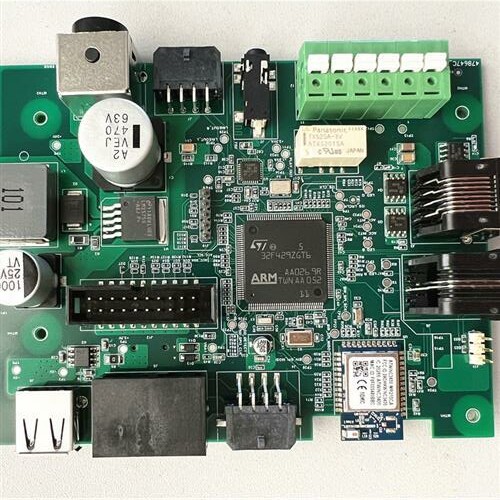
Sixth, convert the BMP of the TOP layer to TOP.PCB, pay attention to the layer that is converted to the SILK layer,
which is the yellow layer, then you can trace the line in the TOP layer, and place the device according to the drawing in the second step. Remove the SILK layer after painting.

In the seventh step, convert the BMP layer BMP to BOT.PCB, pay attention to the SILK layer, which is the yellow layer,
and then you can trace the line in the BOT layer. Remove the SILK layer after painting.

In the eighth step, TOP.PCB and BOT.PCB is transferred in PROTEL, and it is OK to combine them into one figure.

In the ninth step, the TOP LAYER and BOTTOM LAYER are printed on the transparencies (1:1 ratio) with a laser printer,
and the film is placed on the PCB to compare whether there is any error. If it is correct, you are done.
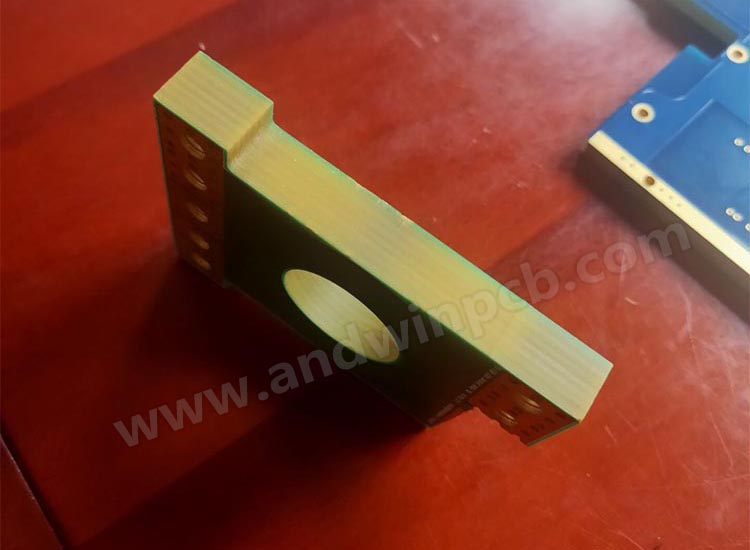
12mm thickness 10 OZ copper PCB

Post navigation

Previous Previous
Rogers pcb material properties
NextContinue
Rogers 5g pcb

Search

Search

Products

  • HDI Multilayer PCB
  • Rigid Flex PCB
  • Flex pcb
  • High Frequency PCB
  • High speed pcb
  • Heavy copper PCB
  • Metal Core PCB
  • Ceramic PCB

Address

Andwin Circuits Co.,Limited
Email: sales@andwinpcb.com
Tel: +86 755 2832 9394
Fax:+86 755 2992  6717
ADD:1-2F-1217,HouDeQun Industrial park,
NanTing RD NO.56,ShaJing,BaoAn,Shenzhen 518104,GuangDong,China

Products

  • HDI Multilayer PCB
  • Rigid Flex PCB
  • Flex pcb
  • High Frequency PCB
  • High speed pcb
  • Heavy copper PCB
  • Metal Core PCB
  • Ceramic PCB

Technology

  • Blogs
  • Via in pad
  • PCB E-test
  • PCB stack up
  • Metal core PCB panelization
  • Controlled impedance PCB

CERTIFICATION

Certification >>


Copyright© 2003 - 2026 Andwin | All Rights Reserved | Powered by Andwin

Scroll to top
  • Home
  • Products
    • HDI multilayer PCB
    • Rigid Flex PCB
    • Flex pcb
    • Special PCB
      • High Frequency PCB
        • Rogers RO4350B PCB
        • Rogers RO4003 pcb
        • Rogers RO3003 PCB
        • Rogers 5880 PCB
        • DICLAD 527 PCB
        • Taconic TLX series
        • Taconic TLX-8 RF PCB
        • Taconic TLX-9 RF PCB
      • High speed pcb
        • Megtron 6 High Speed PCB
        • TU-872 SLK Sp High Speed
      • High TG PCB
        • SHENGYI SH260 PCB
        • ISOLA 370HR PCB
        • ISOLA IS410 PCB
        • ISOLA IS420 PCB
      • Heavy copper PCB
      • Copper coin pcb
      • Copper inlay PCB
    • Metal Core PCB
      • Copper core pcb
      • Aluminum PCB
      • 2 Layers Aluminum PCB
      • Direct thermal MCPCB
      • 2 Layers Direct Thermal
    • Ceramic PCB
      • DPC ceramic PCB
      • DBC ceramic PCB
      • Thick film Ceramic PCB
      • Al2O3 Alumina PCB
      • AIN ALN ceramic PCB
      • IGBT Ceramic PCB
  • Service
    • PCB Assembly
    • Quick turn PCB assembly
    • PCBA conformal coating
  • Industry
    • Telecommunication
    • IoT and Wireless
    • Industrial Control
    • Thermal management
    • Power and Energy
    • IC test board
    • Automative
    • Medical
  • Capability
    • Rigid PCB
    • Rigid flex PCB
    • Metal core PCB
    • PCB Assembly
  • Technology
    • Blogs
    • Via in pad
    • PCB E-test
    • PCB stack up
    • MCPCB panelization
    • Controlled impedance PCB
  • About
    • About us
    • Certification
    • Factory Tour
  • Contact
Search