PCB Layout Tools: A Comprehensive Guide to Modern Design Software
Introduction to PCB Layout Tools
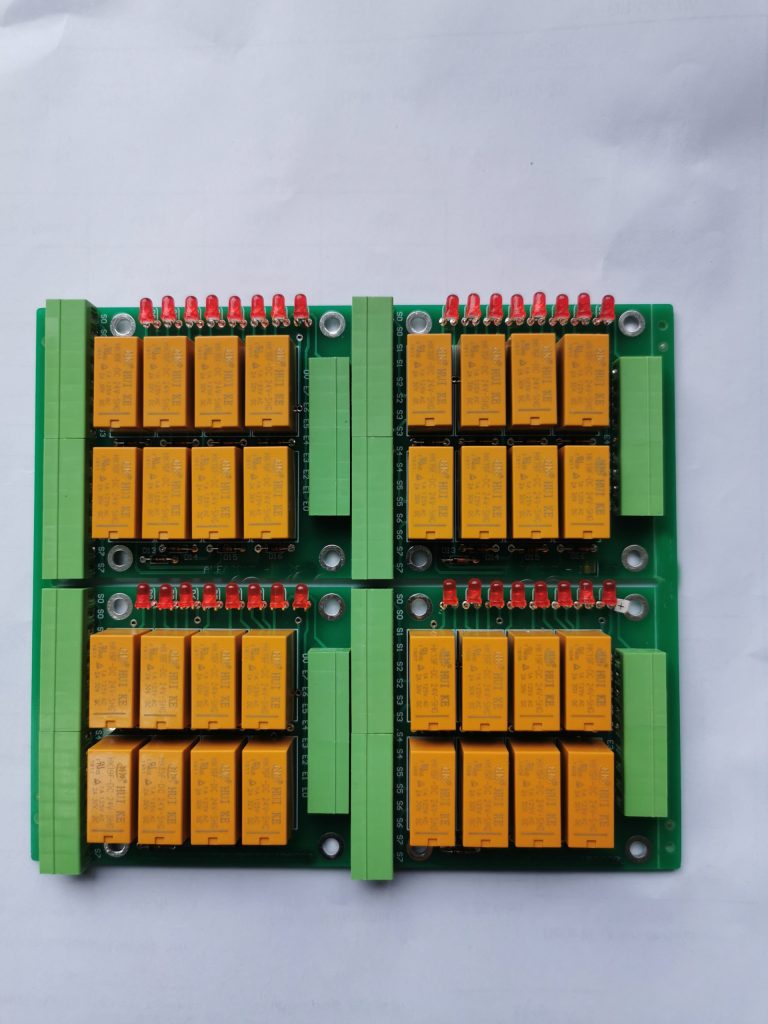
Printed Circuit Board (PCB) layout tools are specialized software applications that enable engineers and designers to transform schematic diagrams into physical board designs. These tools have become indispensable in modern electronics design, offering sophisticated features that streamline the entire PCB development process from concept to manufacturing.
The evolution of PCB layout tools has mirrored the advancement of electronics technology itself. From simple tape-and-mylar methods used in the mid-20th century to today’s complex, multi-layer, high-speed digital designs, PCB software has continuously adapted to meet the challenges of increasingly complex electronic systems. Modern PCB layout tools integrate schematic capture, component placement, routing, design rule checking, and manufacturing output generation into unified design environments.
Types of PCB Layout Tools
1. Professional-Grade Tools
Professional PCB design software represents the high end of the market, offering comprehensive features for complex designs:
- Altium Designer: Considered the industry gold standard, Altium offers a unified design environment with advanced routing capabilities, 3D visualization, and extensive component libraries.
- Cadence Allegro: Preferred for high-speed and high-density designs, Allegro excels in complex, multi-board systems used in aerospace and telecommunications.
- Mentor Xpedition (now part of Siemens EDA): Known for its powerful autorouting and constraint management, particularly in enterprise-scale designs.
- Cadence OrCAD: Combines powerful features with relatively easier learning curve compared to Allegro.
These tools typically support:
- High-speed design constraints
- Rigid-flex PCB capabilities
- Advanced signal integrity analysis
- Team collaboration features
- Extensive manufacturing output options
2. Mid-Range Tools
Balancing capability and affordability, mid-range tools serve many small to medium businesses:
- Altium CircuitStudio: A simplified version of Altium Designer for smaller teams.
- PADS Professional: Mentor’s mid-range offering with professional features at lower cost.
- Zuken CR-8000: Popular in certain industries like automotive electronics.
3. Entry-Level and Hobbyist Tools
For students, hobbyists, and small projects:
- KiCad: Open-source tool that has grown remarkably capable.
- Eagle (now Fusion 360 Electronics): Autodesk’s popular entry-level tool.
- DesignSpark PCB: Free tool from RS Components with commercial options.
- DipTrace: Affordable with surprisingly capable features.
Key Features of Modern PCB Layout Tools
1. Schematic Capture Integration
Modern tools tightly integrate schematic and layout environments, enabling:
- Cross-probing between schematic and layout
- Forward and backward annotation
- Real-time design synchronization
- Hierarchical schematic organization
2. Component Management
Sophisticated component libraries and management systems:
- Unified component databases
- 3D model integration
- Supply chain information (pricing, availability)
- Symbol-footprint association
3. Routing Capabilities
Advanced routing features include:
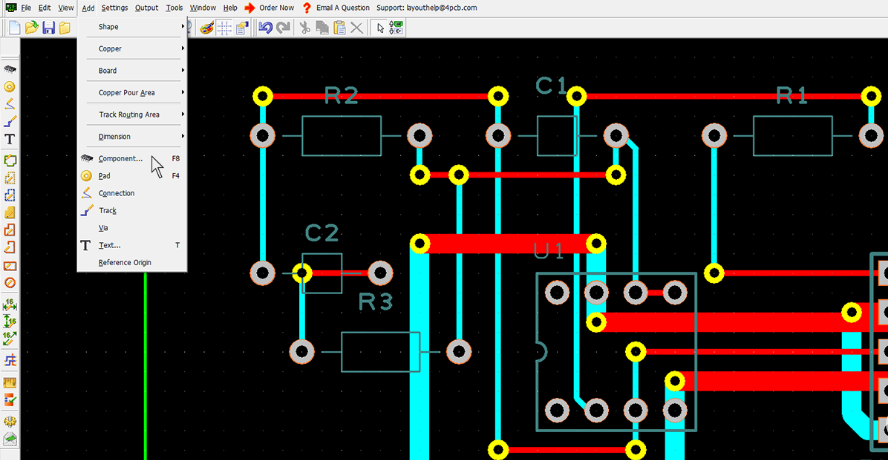
- Interactive routing with push-and-shove
- Differential pair routing
- Length tuning (serpentine routing)
- High-speed constraints (impedance control, delay matching)
- Auto-routing (though often used selectively)
4. Design Rule Checking (DRC)
Comprehensive DRC systems:
- Manufacturing rules (clearances, annular rings)
- High-speed rules (crosstalk, reflections)
- Flex/rigid-flex specific rules
- Real-time DRC during layout
5. Signal Integrity Analysis
Built-in or integrated analysis tools for:
- Impedance calculations
- Reflection analysis
- Crosstalk prediction
- Power integrity
6. 3D Visualization and MCAD Integration
Modern tools offer:
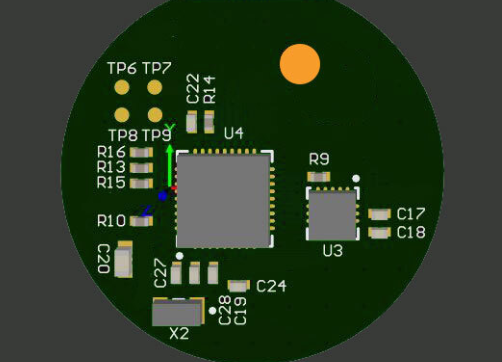
- Realistic 3D board visualization
- STEP file import/export
- Mechanical collision detection
- Enclosure integration
7. Manufacturing Outputs
Comprehensive output generation:
- Gerber (RS-274X) and ODB++
- Drill files
- Pick-and-place files
- Assembly drawings
- Test point reports
Emerging Trends in PCB Layout Tools
1. Cloud-Based Collaboration
Modern tools are incorporating:
- Real-time multi-user editing
- Cloud component libraries
- Version control integration
- Distributed team workflows
2. AI and Machine Learning
Emerging applications include:
- Intelligent component placement
- Routing optimization
- Design rule suggestion
- Error pattern recognition
3. Advanced Simulation Integration
Tighter coupling with:
- Thermal analysis
- Electromagnetic simulation
- Vibration/stress analysis
- Multi-physics simulations
4. Digital Twin Technology
Creating virtual prototypes that:
- Mirror physical boards
- Enable virtual testing
- Support lifecycle management

Selecting the Right PCB Layout Tool
Choosing appropriate software depends on several factors:
1. Design Complexity
Consider:
- Board layer count
- Signal speeds
- Component density
- Special requirements (flex, HDI, etc.)
2. Team Size and Collaboration Needs
Evaluate:
- Number of concurrent users
- Geographic distribution
- Revision control requirements
- Documentation needs
3. Integration Requirements
Assess needs for:
- MCAD integration
- ERP/PLM system connections
- Simulation software links
- Manufacturing partner compatibility
4. Budget Constraints
Balance:
- Initial software cost
- Maintenance fees
- Training requirements
- Hardware needs
5. Learning Curve
Consider:
- Team’s existing skills
- Available training resources
- Community support
- Documentation quality
Best Practices for PCB Layout
Regardless of tool choice, effective PCB design follows these principles:
- Plan Before Placing: Develop placement strategy considering signal flow, thermal management, and mechanical constraints.
- Implement Proper Stackup: Design layer stackup appropriate for signal types, including proper ground/power plane arrangement.
- Route Critical Signals First: Address sensitive signals (clocks, differential pairs, RF) early in layout process.
- Maintain Design Rule Discipline: Consistently apply and verify design rules throughout the process.
- Document Thoroughly: Provide clear manufacturing notes, layer explanations, and special requirements.
- Verify Before Release: Conduct comprehensive DRC, ERC, and design reviews before finalizing.
The Future of PCB Layout Tools
Emerging directions include:
- Generative Design: AI-driven layout creation based on performance requirements.
- Augmented Reality Interfaces: Visualizing and editing PCB designs in AR environments.
- Enhanced DFX Integration: Deeper manufacturing and assembly process integration.
- IoT-Enabled Design: Tools that incorporate IoT device constraints from inception.
- Sustainable Design Features: Tools that help minimize environmental impact through material optimization and recyclability analysis.
Conclusion
PCB layout tools have evolved from simple drawing programs to sophisticated electronic design ecosystems. Modern software addresses the challenges of today’s high-speed, high-density designs while incorporating features for collaboration, simulation, and manufacturing preparation. The choice of tool depends on numerous factors including design complexity, team structure, and budget, but all modern tools share the common goal of transforming electronic concepts into reliable, manufacturable products efficiently.
As electronics continue to advance, PCB layout tools will incorporate more intelligent features, deeper simulation capabilities, and enhanced collaboration functionality. The future promises tools that not only assist in layout but actively guide designers toward optimal solutions, reducing design cycles while improving product quality and reliability. For engineers and designers, mastering these tools remains an essential skill in bringing electronic innovations to life.